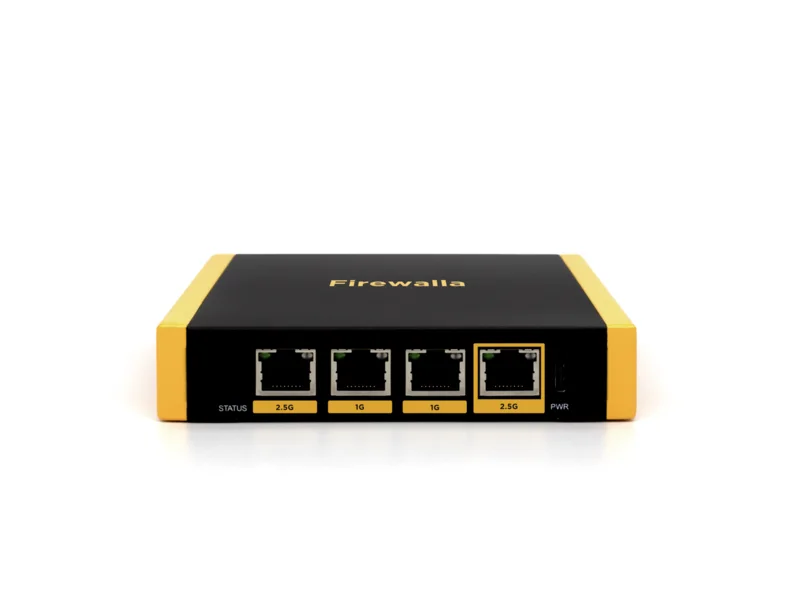
 Editors' choice
Firewalla Gold SE (2 Gbps Smart Firewall)
A no-subscription 2.5G smart firewall that gives families enterprise-grade visibility in an app.
FamiliesProsumersMulti-Gig Fiber
List price · one-time, no monthly fee
$519
Every hardware firewall we review for homes and small offices, ranked by score: Firewalla, Ubiquiti UniFi, GL.iNet, Protectli and FortiGate. Below the list: how to choose one, and whether you need one at all.
Editors' choiceA no-subscription 2.5G smart firewall that gives families enterprise-grade visibility in an app.
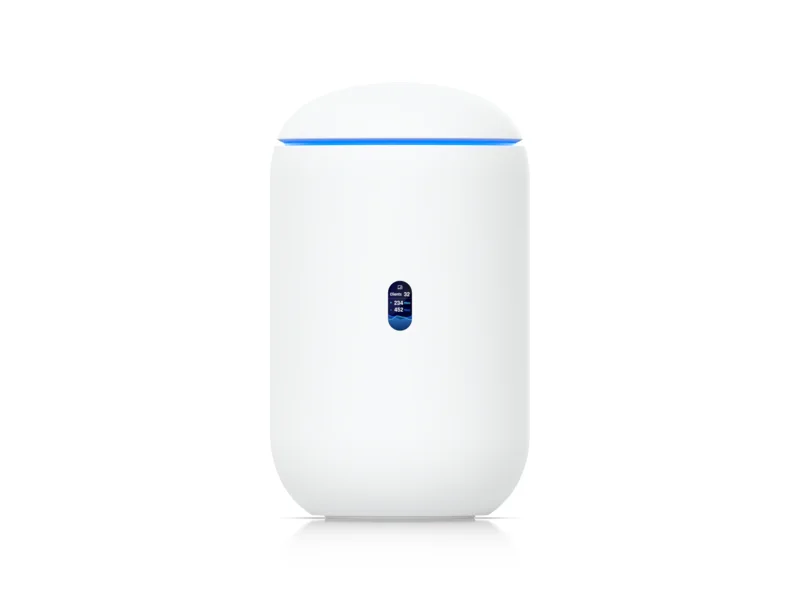 Editors' choice (prosumer)
A $279 all-in-one WiFi 7 gateway that brings UniFi's pro networking stack home.
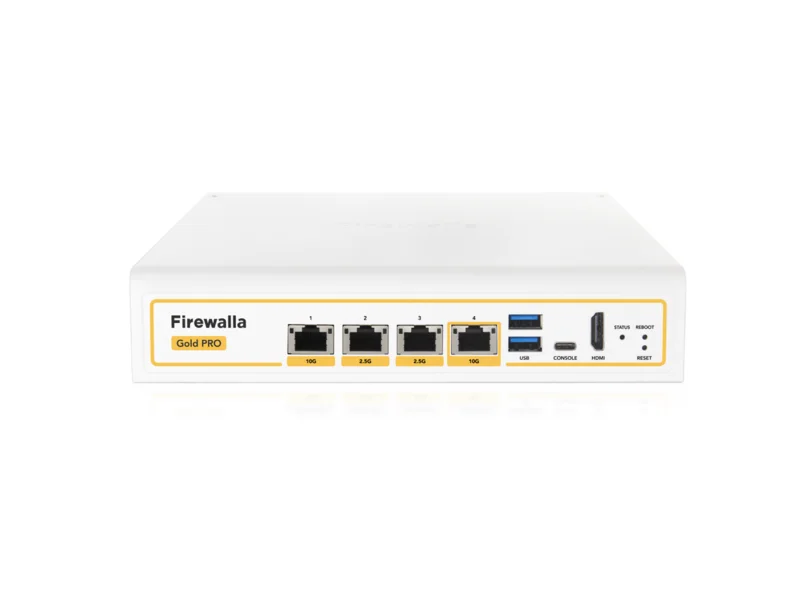 Premium pick
The world's most affordable 10-gigabit smart firewall, ready for WiFi 7 and 10G fiber.
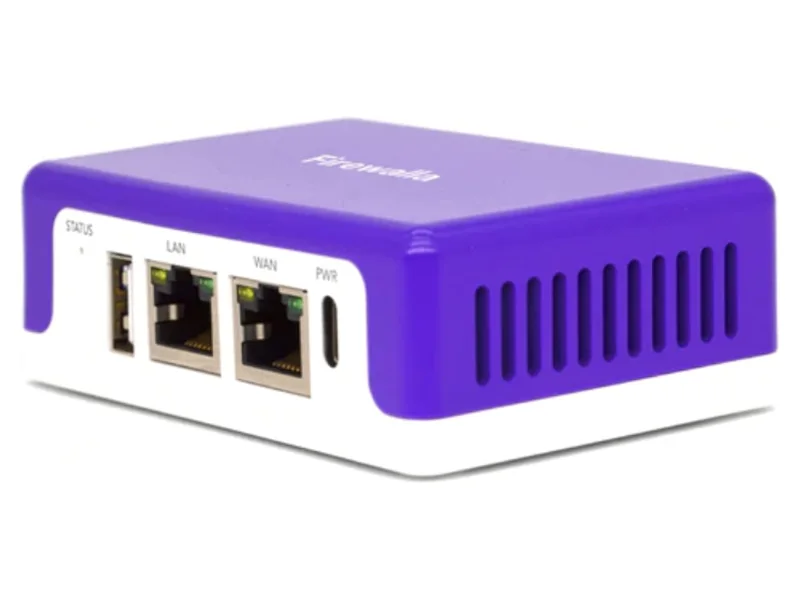 Best value firewall
The most affordable way into Firewalla's no-subscription network protection.
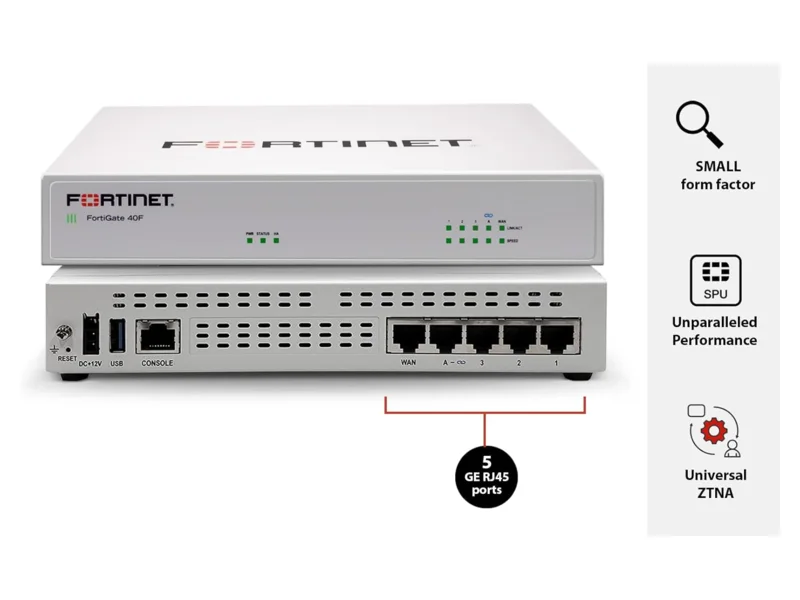 Best for small business
The classic small-office enterprise firewall — powerful, but budget for annual licenses.
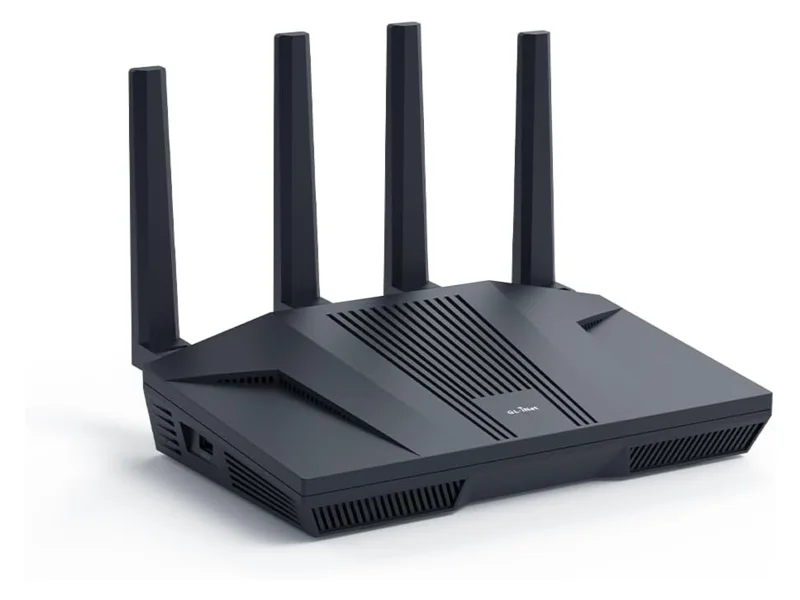 Best VPN router
The community-favorite OpenWrt router that runs your whole home through a VPN at near line speed.
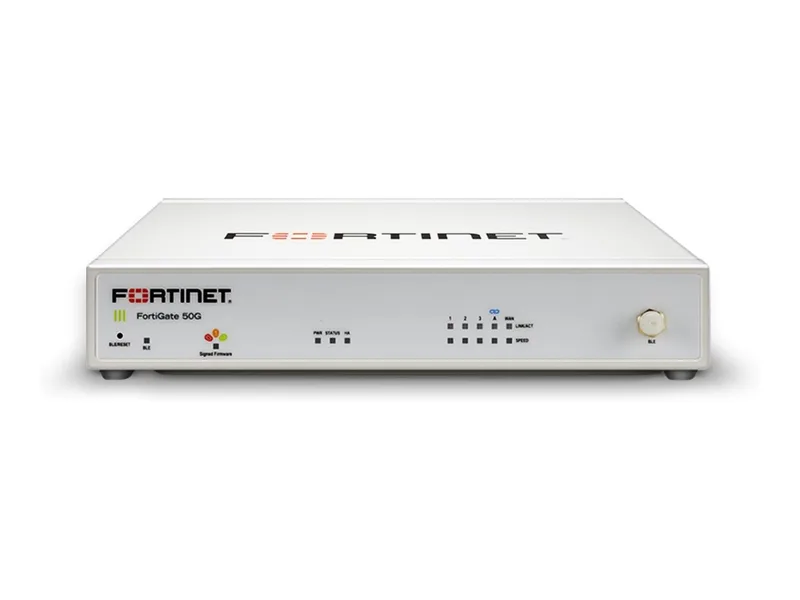 Enterprise NGFW
The 40F's successor with a year of FortiGuard UTP in the box — small-office grade protection.
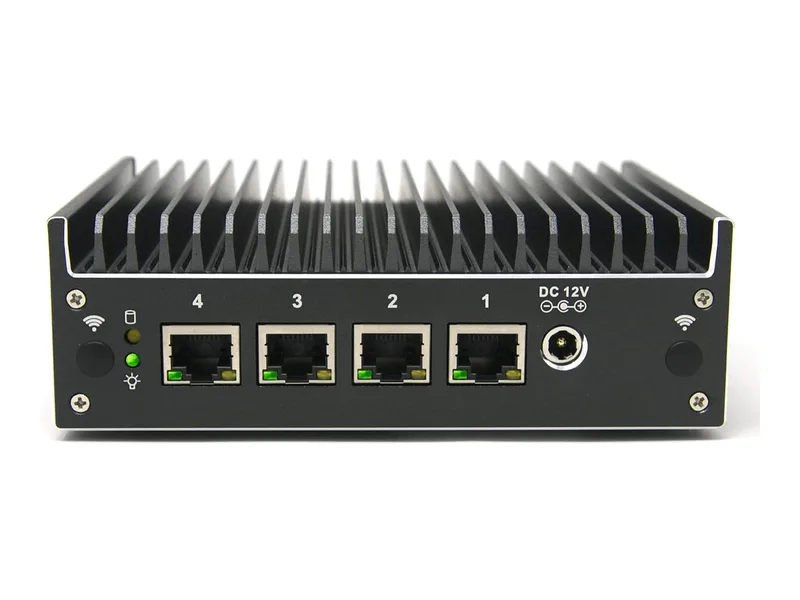 Best DIY firewall
Fanless quad-2.5GbE hardware that runs pfSense or OPNsense exactly how you want.
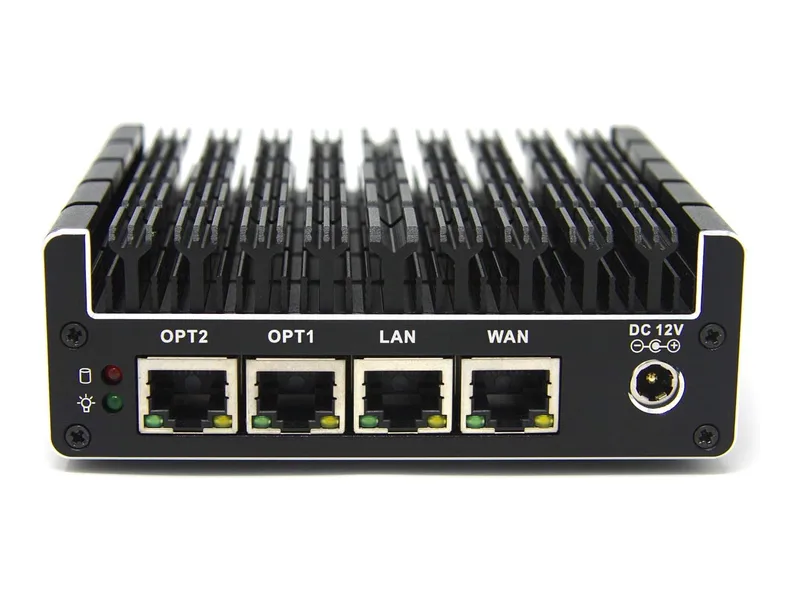 Budget DIY firewall
A silent four-port box that makes your first pfSense or OPNsense build cheap and easy.
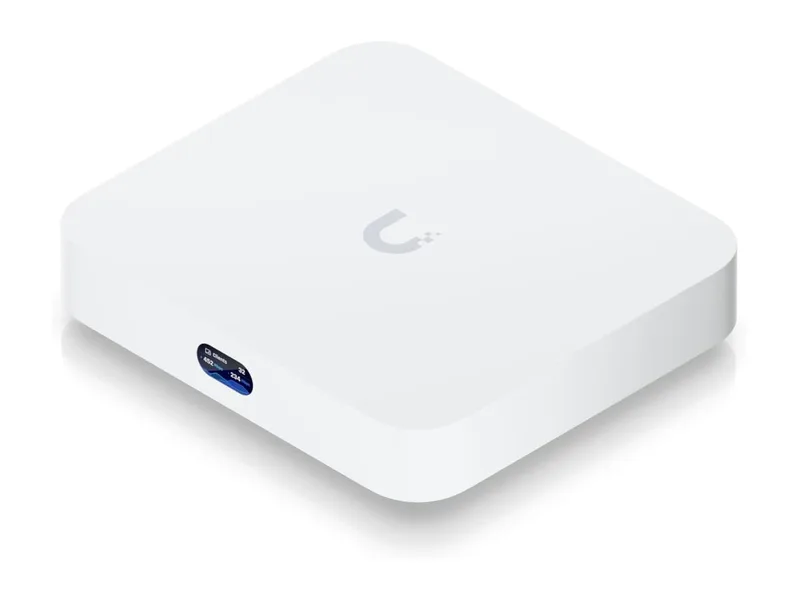 Best value gateway
IDS, VLANs and the whole UniFi console in a $129 palm-size gateway.
Your router’s built-in firewall blocks unsolicited traffic from outside, but it can’t see what your own devices are doing — which smart plug is calling home to a server in a country you’ve never heard of, or which laptop just started uploading gigabytes at 3am. A dedicated firewall box gives you that visibility plus per-device controls, ad blocking and VPN access to your home network. We favor devices with no monthly subscription — you should own your security.
Start with our ranked best hardware firewall for home guide, or the head-to-heads: Firewalla vs pfSense, Gold SE vs Gold Pro and is Firewalla worth it. Looking for a CUJO, Akita, RATtrap, Dojo or Bitdefender BOX? Those boxes are gone — here is what happened to them and what to buy instead.
Maybe not. Every home router already has a basic firewall that blocks incoming attacks; here’s how to check yours in two minutes. A dedicated box earns its price when you have lots of smart-home devices, kids whose devices need rules, or work-from-home equipment you want kept apart from everything else. If you haven’t set up a password manager and two-factor authentication yet, do that first: those stop more real-world break-ins than any firewall.
We don’t run a lab and we don’t claim hands-on testing. Each score weighs the maker’s published throughput with security features on, the true cost over several years, how easy everyday tasks are for a non-technical adult, the company’s update and security track record, and long-term owner reports. The full method is on how we pick and score products.