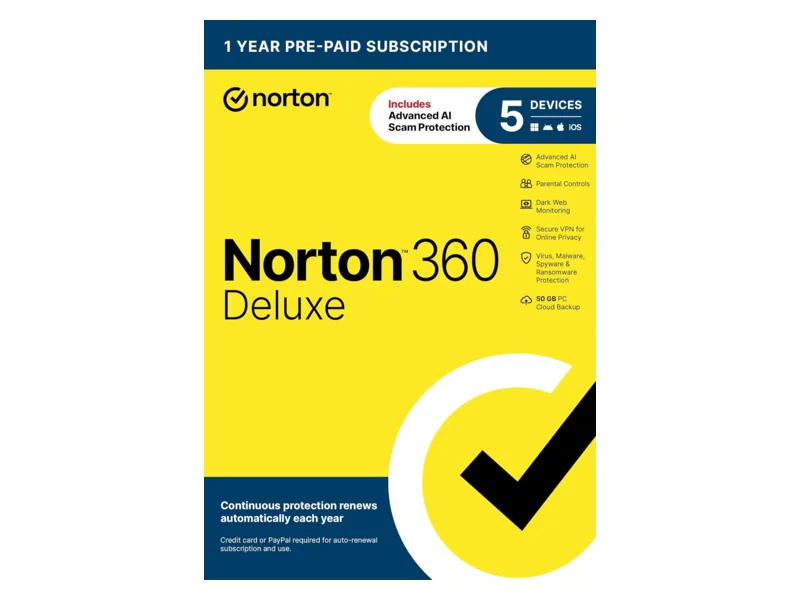
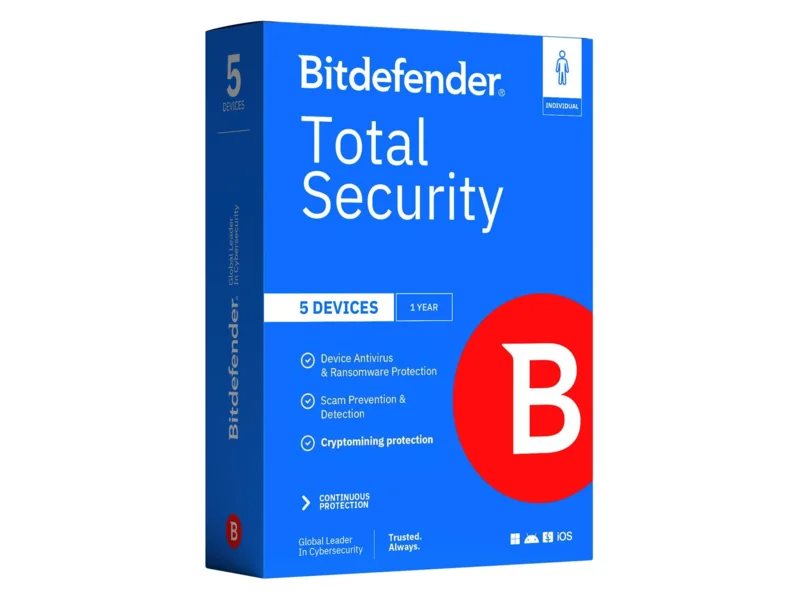
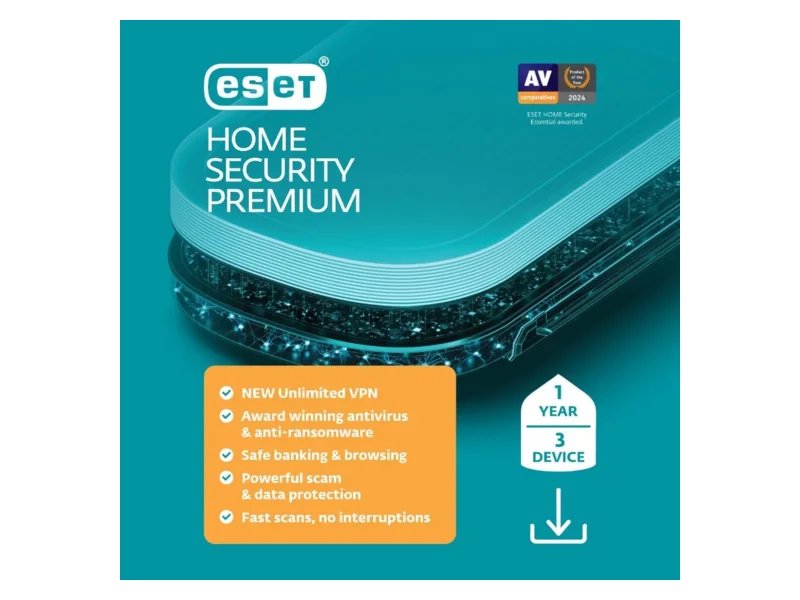

Quick answer: The best antivirus for families in 2026 is Norton 360 Deluxe for most five-device households because it puts malware defense, scam and web protection, parental controls, a VPN, cloud backup and breach monitoring under one account. Bitdefender Total Security is the stronger protection-first choice for a Windows-heavy home, while ESET Home Security Premium suits families that want to choose their device count. Malwarebytes Premium is easy to understand and remains a useful cleanup tool, but its lack of parental controls and uneven recent AV-Comparatives result keep it out of the top three. This four suites compared guide is based on current specifications and independent lab results, not personal product testing.
The short list
Best overall: Norton 360 Deluxe
Norton is the easiest recommendation when the family has up to five PCs, Macs, phones or tablets and wants one subscription to cover more than malware. The current US plan includes scam protection, web protection, a VPN, password manager, dark web monitoring, parental controls and PC cloud backup. Norton says parental controls and cloud backup are unavailable on macOS, and some functions vary elsewhere, so the bundle is most complete in a Windows and Android household. Norton’s official plan page confirms those limits.
The main drawback is bundle sprawl. A family that already pays for a VPN, password manager and backup service may end up with duplicate tools and more notifications than anyone requested. Five devices can also disappear quickly when two adults and two children each have a laptop and phone.
Best for protection-first homes: Bitdefender Total Security
Bitdefender is my pick for a Windows-heavy family that wants excellent independent results plus useful defenses against phishing, ransomware and unsafe downloads. Its standard Total Security license covers five Windows, macOS, Android or iOS devices. The suite includes parental controls, a password manager and a VPN, although Bitdefender’s support page states that the included VPN traffic is limited to 200 MB per day. Treat that as an emergency or coffee-shop feature, not a full household VPN.
Bitdefender’s Windows app has the fullest set of tools, including a firewall, ransomware remediation, vulnerability scanning and Safepay. Mobile and Mac features differ. That platform gap is normal for security suites, but it is worth checking before assigning licenses.
Best for a custom device count: ESET Home Security Premium
ESET lets buyers select how many devices to protect and supports Windows, macOS, Android and iOS under its current home plans. Premium adds an unlimited-data VPN, secure file encryption, anti-phishing and protected browsing. The VPN connection allowance is separate from the antivirus device allowance: the 2026 ESET plan page lists up to three VPN connections when Premium covers up to ten devices, and up to five when it covers more than ten.
ESET is a sensible fit if a fixed five-device bundle is awkward or if you want fewer identity-theft sales hooks. Its parental control is listed for Windows, while the current Mac and iOS feature lists do not include it. Families needing controls across every child’s phone should use Apple Screen Time, Google Family Link or a router-level option instead.
Where Malwarebytes Premium fits
Malwarebytes Premium Security provides real-time malware, ransomware, exploit and web protection across Windows, Mac, Android and iOS, with exact functions varying by platform. Current Malwarebytes plans cover three devices in Standard and ten in family tiers. Browser Guard adds scam, ad and tracker blocking. Malwarebytes’ feature chart makes an important distinction: the free edition is mainly an on-demand cleanup scanner, while paid protection runs continuously.
There are no parental controls in Premium Security. Its higher tiers add a VPN or identity services, but those extras do not solve screen-time and content-filtering needs. I would choose Premium for a small household that values simple malware and browser protection, or keep the free scanner as an occasional second opinion without enabling a second real-time engine.
Norton, Bitdefender, ESET and Malwarebytes compared
Specifications below are current as of November 15, 2026. “Phones covered” does not mean a desktop-style virus scan on every phone. iOS limits third-party apps, so iPhone security tools concentrate on dangerous links, scam messages, unsafe Wi-Fi and account monitoring.
| Product | Typical device allowance | Windows, Mac, Android, iOS | Parental controls | Scam and web protection | VPN in this tier | Identity extras in this tier | Best for |
|---|---|---|---|---|---|---|---|
| Norton 360 Deluxe | 5 | Yes | Yes, with platform limits | Yes | Unlimited for covered devices | Dark web monitoring and Privacy Monitor | One-account family bundle |
| Bitdefender Total Security | 5 | Yes | Yes, through Bitdefender Central | Yes | 200 MB per day per device | No full identity package | Windows-heavy families |
| ESET Home Security Premium | Buyer-selected count | Yes | Windows only on the current feature list | Yes | Unlimited data, with 3 or 5 connections depending on plan size | No, Identity Protection is in Ultimate | Flexible device counts |
| Malwarebytes Premium Security | 3 standard, 10 family tier | Yes | No | Yes, including Browser Guard | Limited service in Standard, unlimited in Plus | No, identity tools require Ultimate | Simple protection or cleanup |
Device totals and feature names come from the vendors’ US plan and support pages. Read the platform footnotes before buying. “Supports iOS” can mean link filtering and breach alerts rather than scanning other apps, because Apple documents that all third-party iPhone and iPad apps are sandboxed.
What the independent labs found
Use lab reports as a snapshot, then look for consistency across tests. The labs use different malware sets and scoring methods, and they generally test Windows products rather than an entire family bundle on every operating system.
In AV-TEST’s July and August 2026 Windows 11 test, Bitdefender Total Security, ESET Security Ultimate, Malwarebytes Premium and Norton 360 each earned 6 out of 6 for protection, performance and usability, for 18 out of 18. Microsoft Defender earned 6 for protection, 5.5 for performance and 6 for usability, totaling 17.5. The ESET tier tested was Ultimate, so that score is evidence about ESET’s Windows protection engine, not proof that every Premium extra works the same way.
AV-Comparatives’ February to May 2026 Real-World Protection Test tells a more varied story across 400 malicious test cases. Bitdefender blocked 99.5 percent, Norton 99.3 percent, Microsoft 99.0 percent, Malwarebytes 98.8 percent and ESET 98.5 percent. ESET produced two false positives, Bitdefender and Norton five each, Microsoft none, and Malwarebytes 39. Malwarebytes received a lower award because of its false-alarm count. AV-Comparatives tested ESET Essential and Norton Antivirus Plus, so compare the protection engines, not the bundle features.
The reasonable conclusion is that Norton, Bitdefender and ESET all have credible Windows protection. Malwarebytes also scored perfectly in the later AV-TEST round, but its AV-Comparatives false positives make it a less comfortable default for several family PCs. Microsoft Defender was close enough to the paid products that paying only for a different logo makes little sense. The purchase should add family management, cross-platform web defense or service extras you will actually use.
Is Microsoft Defender or Apple’s XProtect enough?
For many careful adults, yes. Windows 11 includes Microsoft Defender Antivirus, Windows Firewall, SmartScreen reputation checks, phishing protection and potentially unwanted app blocking. Microsoft’s Windows Security overview also confirms that Defender turns off automatically when another registered antivirus is active and returns when it is removed. Its August 2026 AV-TEST protection score was the maximum 6.
macOS includes Gatekeeper, app notarization and XProtect. Apple says XProtect uses signatures and behavioral rules to detect and remove malware, while Gatekeeper checks that downloaded software comes from an identified developer, is notarized and has not been altered. Apple’s platform security guide explains those layers.
Paid software becomes worthwhile when one or more of these are true:
You need a dashboard covering several people’s Windows, Mac and mobile devices.
Children need web categories, schedules or app limits beyond the operating system’s controls.
Family members frequently follow links from texts, social media or personal email, where broader scam filtering can help.
You will use the included VPN, backup or breach monitoring and can retire a separate subscription.
You want one support contact when a warning appears on a relative’s screen at an inconvenient hour, which is the traditional time for all family IT questions.
Android already includes Google Play Protect, which checks Play Store apps before download and scans installed apps from other sources. Google’s support page says it can warn, disable or remove harmful apps. A paid Android app can add stronger link filtering, scam-call tools and a family dashboard. On iPhone, buy for those web and scam features, not for promises of a PC-style system scan.
What a family actually needs
Start with a device count, including old laptops used for taxes, a teenager’s gaming PC and every phone you expect the plan to cover. Count devices, not people. Leave one spare slot if hardware changes often. If the total exceeds five, ESET’s selectable count or a ten-device family tier may be cleaner than maintaining two subscriptions.
Next, decide where parental controls must work. Norton is strongest as a ready-made suite for Windows and Android children. Bitdefender offers profiles, content blocking, screen-time management and location features through Bitdefender Central. ESET’s current plan page lists parental control on Windows, while Malwarebytes has none. Operating-system controls may be enough, and our router parental controls guide covers whole-home scheduling that does not consume antivirus licenses.
Give scam and web protection more weight than a giant feature count. Modern family trouble often starts with a fake delivery text, a copied shopping site or a convincing account alert. Antivirus can block known bad links, but it cannot judge every lie or reverse a bank transfer you approved. Use our 2026 scam briefing for the human side of that problem.
Treat identity monitoring as an alarm, not a lock. The FTC’s identity theft guidance says monitoring services can report suspicious credit or personal-data activity, but some misuse is outside their view. Recovery help and insurance also have terms and exclusions. A free credit freeze, unique passwords and strong account sign-in protection often do more preventive work. Our family passkeys guide explains the sign-in upgrade.
What to avoid
Two real-time antivirus products on one PC. Microsoft advises against running multiple real-time security products because conflicts can affect performance and updates. Keep an on-demand scanner if you like, but let one product own continuous protection.
A license chosen by the number on the box alone. Check whether the VPN, parental controls, backup and identity tools work on each operating system. The smallest footnote usually has the busiest job.
Security software sold through a pop-up or unexpected call. The FTC warns against buying security software after an unsolicited message claims to have scanned your computer. Go directly to the vendor or a known retailer.
Unsupported operating systems. Antivirus cannot patch an operating system that no longer receives security fixes. Update or replace the device first.
Buying identity insurance without reading exclusions. Monitoring can be useful, but it is separate from malware protection and may duplicate benefits from a bank, card issuer, employer or insurer.
Assuming antivirus protects every device on the Wi-Fi network. It cannot install on a smart TV, camera or printer. Secure those through updates, unique passwords, network separation and the steps in our home network security guide.
How to set it up after buying
Remove the old real-time antivirus. Restart if asked. Windows should temporarily return to Defender before the new product registers itself.
Create the parent account carefully. Use a unique password or passkey and turn on multifactor authentication if the vendor offers it. Do not share the administrator login with children.
Install from the account dashboard. Send each family member the official invite or download link. Name devices clearly, such as “Maya school laptop,” instead of accepting a row of mystery serial numbers.
Update and run the first scan. Confirm that signatures, the app and the operating system are current. CISA’s consumer guidance favors automatic updates, strong unique passwords and multifactor authentication alongside malware protection.
Enable browser and phone protections. A suite may require a browser extension, iOS content filter, local VPN profile or Android accessibility permission to block dangerous links. Read each permission prompt rather than tapping through on muscle memory.
Build child profiles and test them. Try one blocked category, one allowed school site, bedtime and an app limit from the child’s device. Parental controls that were never assigned to a device are decorative software.
Check the Windows provider. Open Windows Security, select Virus & threat protection, then Manage providers. Confirm that the paid product is active and no warning is unresolved.
Review alerts and renewal settings. Decide which adult receives breach, malware and child-request notifications. Record the renewal date and device limit. Remove retired hardware from the dashboard so it does not occupy a license forever.
Antivirus is one layer. Back up important files, secure the router, and protect email accounts because they reset most other passwords. The weekend family security plan puts those jobs in a sensible order, while the family safe-word guide handles voice and impersonation scams that no malware scanner can recognize.