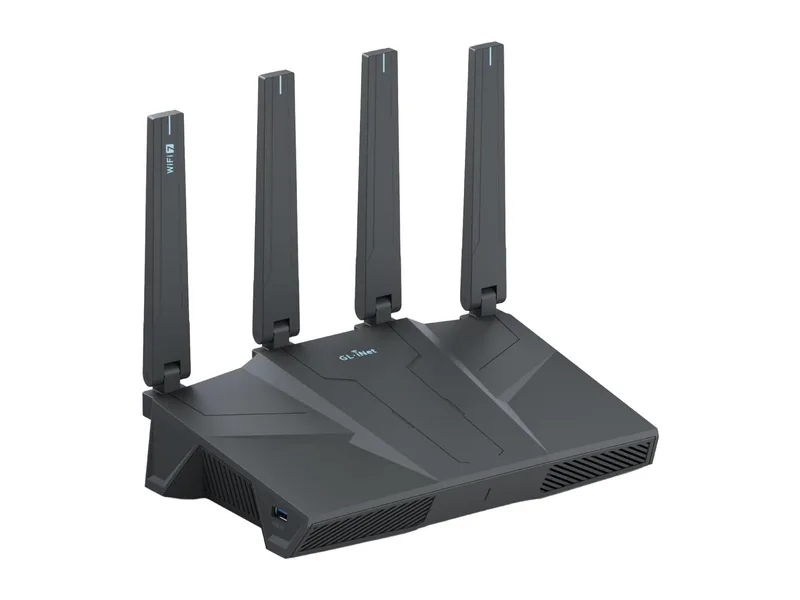
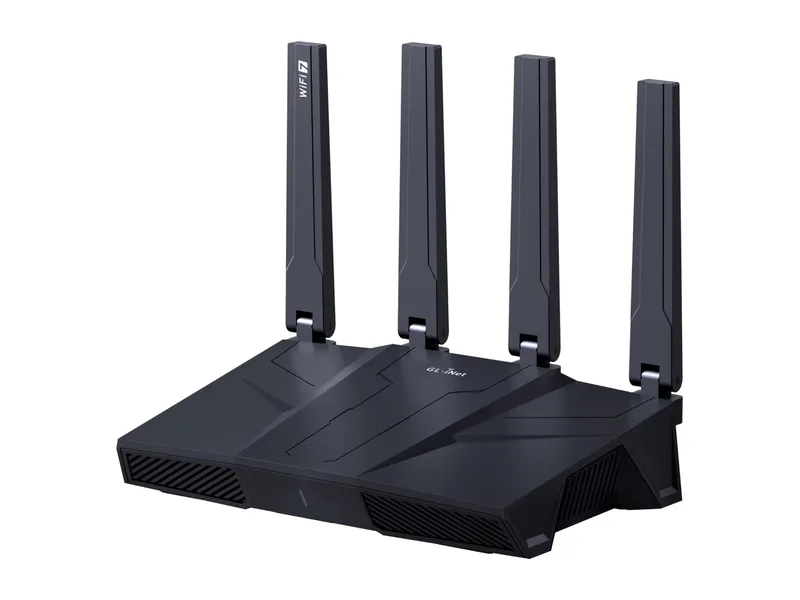
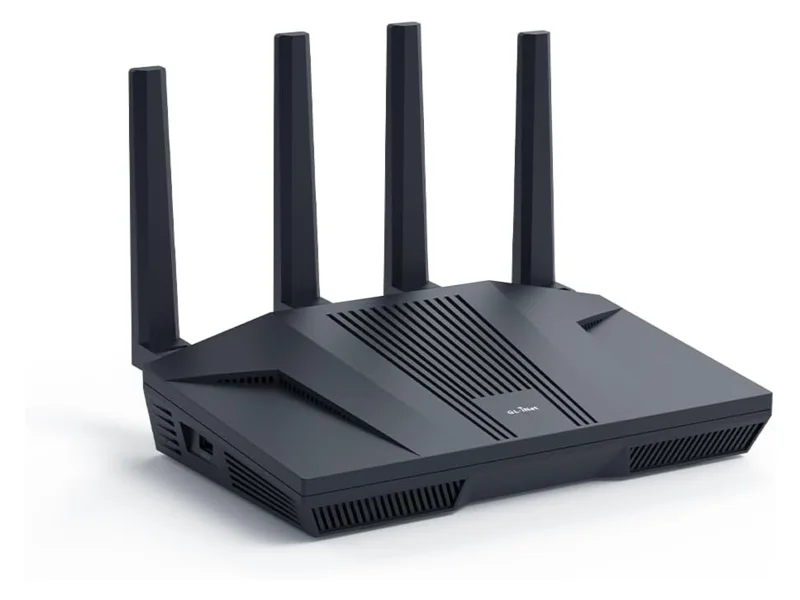
The Flint 3e is the router GL.iNet made for people who looked at the Flint 3 and asked, “do I really need 6 GHz?” For most households the honest answer is not yet — and the Flint 3e turns that answer into a $30 saving without giving up anything on the wired side or in the VPN engine.
But GL.iNet did not just remove a radio. They also cut the flash storage by 94% and, less obviously, gave the 3e a stronger 5 GHz radio than its more expensive sibling. That combination is what makes the choice interesting, and it is why the “3e = Flint 3 minus 6 GHz” shorthand you see on forums is only half right.
Below: the verified spec table, the two differences that actually change the buying decision, and a recommendation by household type. Figures are GL.iNet’s published specifications (product pages, August 2026); where GL.iNet’s own pages disagree with each other, we say so.
Flint 3 vs Flint 3e: the spec table
| Flint 3 (GL-BE9300) | Flint 3e (GL-BE6500) | |
|---|---|---|
| WiFi class | Tri-band WiFi 7, BE9300 | Dual-band WiFi 7, BE6500 |
| 2.4 GHz | 688 Mbps, 2×2 | 688 Mbps, 2×2 |
| 5 GHz | 2,882 Mbps, 2×2 | 5,764 Mbps, 4×4 |
| 6 GHz | 5,765 Mbps, 2×2 | — (none) |
| MLO (multi-link) | Yes, across 2.4/5/6 GHz | Yes, 2.4 + 5 GHz |
| CPU | Qualcomm quad-core @ 1.5 GHz | Qualcomm quad-core @ 1.5 GHz |
| RAM | 1 GB DDR4 | 1 GB DDR4 |
| Storage | 8 GB eMMC | 512 MB NAND |
| Ethernet | 5 × 2.5 GbE (1 WAN, 1 WAN/LAN, 3 LAN) | 5 × 2.5 GbE (1 WAN, 1 WAN/LAN, 3 LAN) |
| USB | 1 × USB 3.0 | 1 × USB 3.0 |
| WireGuard (GL.iNet figure) | up to 680 Mbps | up to 680 Mbps in the summary; “max. 1,100 Mbps” in the VPN section (client mode, local test) |
| OpenVPN-DCO (GL.iNet figure) | up to 680 Mbps | up to 680 Mbps |
| Antennas | 4 foldable external | 4 foldable external |
| Coverage claim | up to 2,000 sq ft | up to 2,500 sq ft |
| Power adapter | 12 V / 4 A | 12 V / 3 A |
| Power draw (spec) | < 25 W (< 37.2 W with USB load) | < 25 W (< 37.2 W with USB load) |
| Size / weight | 240 × 157 × 74 mm / 848 g | 240 × 157 × 74 mm / 848 g |
| Firmware | OpenWrt-based GL.iNet OS: AdGuard Home, WireGuard + OpenVPN client/server, Tailscale, Bark parental controls, dual-WAN failover | Identical |
| Warranty | 2 years | 2 years |
| GL.iNet price (Aug 2026) | $209.99 | $179.99 |
| Amazon (last checked) | Flint 3 price | Flint 3e price |
Everything not in bold is the same on both routers. That is a long list: same SoC, same memory, same five multi-gig ports, same USB, same case, same antennas, same firmware feature set, same warranty. GL.iNet did not build a cut-down router; it built the same router with a different radio board and cheaper flash.
Difference #1: 6 GHz (Flint 3) vs 4×4 on 5 GHz (Flint 3e)
This is the trade that matters, and it cuts both ways.
What the Flint 3 gets you: a third radio on 6 GHz. That band is nearly empty in most neighbourhoods, has wide 320 MHz channels available, and is where WiFi 7’s headline speeds live. If you own a WiFi 6E or WiFi 7 laptop or phone and you are in the same room or one wall away, 6 GHz is the fastest, lowest-latency link you can get without a cable. Multi-link operation (MLO) on the Flint 3 can also bond 5 GHz + 6 GHz for a compatible client, smoothing out drops when you move around.
What the Flint 3e gets you instead: four spatial streams on 5 GHz rather than two. Almost every client device — phones, laptops, TVs — is a 2×2 client, so a single device will not see the 3e’s 5,764 Mbps figure. What 4×4 does do is give the router more capacity to serve several busy 2×2 clients at once (MU-MIMO), and it improves the link budget: more antennas listening usually means a slightly stronger, more stable connection at range. GL.iNet’s own coverage claim reflects that — 2,500 sq ft for the 3e vs 2,000 for the Flint 3.
Which matters more depends on your devices, not on the router. Ask two questions:
- Do I own anything that actually uses 6 GHz? Check: iPhone 15 Pro and later, Pixel 6 Pro and later, Galaxy S21 Ultra and later, most 2023+ laptops with WiFi 6E/7 cards. If the answer is “one laptop”, the Flint 3 gives that laptop a private fast lane. If the answer is “nothing yet”, the 6 GHz radio is idle silicon.
- Is my problem speed in one room, or coverage across the house? 6 GHz has the shortest range of the three bands. If your issue is the far bedroom, the 3e’s stronger 5 GHz radio is the more useful upgrade — or, frankly, a second access point is the answer for either router.
For a family home with a mix of older phones, a smart TV and a couple of laptops, the Flint 3e’s radio is the more practical one today. For a WiFi 7 gaming rig or a 2024+ MacBook next to the router, the Flint 3’s 6 GHz band is a real, measurable gain.
Difference #2: 8 GB eMMC vs 512 MB NAND
The other cut is easy to miss on a spec sheet and easy to over-worry about on a forum.
Who will never notice: anyone running the stock GL.iNet firmware as shipped. The OS, AdGuard Home, the VPN client and server, Tailscale, the parental controls and the plug-in list all fit and update comfortably in 512 MB. Firmware updates on the 3e work like any other GL.iNet router.
Who will hit the wall: people who buy a GL.iNet router because it is OpenWrt underneath and intend to treat it as a small server — extra packages via opkg, large AdGuard Home query logs kept for months, a big local blocklist set, or (on the Flint 3 only, realistically) Docker-style add-ons and local storage for logs. If that is you, the 8 GB eMMC on the Flint 3 is not a luxury; it is the reason to buy it. eMMC is also the more robust storage type for a device that writes logs all day.
If you are not sure which group you are in, you are in the first one.
Everything that is not different
It is worth spelling this out, because it is where the value in the 3e lives:
- Wired networking is identical. Five 2.5 GbE ports, one dedicated WAN plus one configurable WAN/LAN for dual-WAN failover, three LAN. If your home has multi-gig fibre and a NAS, both routers give you the same wired backbone.
- VPN is identical. Same CPU, same acceleration, same WireGuard and OpenVPN-DCO client and server, same 30+ provider presets. GL.iNet’s published figures are the same 680 Mbps class for both (with the 3e page also quoting up to 1,100 Mbps for WireGuard client mode on a local network — treat that as a best case, not a promise). Server mode — the “reach my home network from away” use — is slower on both, and both are more than fast enough for it. See how to set up a VPN at home for the walkthrough.
- Security features are identical. AdGuard Home ad/tracker blocking, Bark-powered parental controls, WPA3, guest network, and the same update cadence.
- The box is identical. Same size, weight, antenna layout and port layout — if you have seen one, you have seen the other.
Who should buy the Flint 3
- You own — or will buy within the router’s lifetime — a WiFi 6E/7 laptop, phone or console and want the fastest wireless link in the same room.
- You plan to install extra OpenWrt packages, keep long AdGuard Home logs, or otherwise use the router as a small always-on server.
- You want tri-band MLO for a device that supports it (video calls on the move around the house).
- $30 is not the deciding factor.
Who should buy the Flint 3e
- Your devices are WiFi 5/6 (most households in 2026): the 6 GHz band would sit idle.
- Coverage matters more than peak speed: the 4×4 5 GHz radio and GL.iNet’s larger coverage claim favour the 3e.
- You want the GL.iNet VPN + AdGuard Home + 2.5 GbE package for the least money.
- You will run the stock firmware and its built-in apps, not a package zoo.
What about the Flint 2?
The previous-generation Flint 2 (WiFi 6, one 2.5G WAN + one 2.5G LAN + gigabit ports) is still sold and still excellent, and it is often the cheapest of the three. If you have gigabit-or-slower internet, no WiFi 7 clients and one multi-gig device at most, the Flint 2 remains the value pick — we cover that decision in Flint 2 vs Flint 3. The 3e’s case over the Flint 2 is the five 2.5G ports and the newer radios; the Flint 3’s case is those plus 6 GHz and the big eMMC.
Our verdict
The Flint 3e is the better buy for the typical household in 2026: same wired speed, same VPN and security stack, a stronger 5 GHz radio, and $30 back in your pocket. The Flint 3 earns its premium in exactly two cases — you own 6 GHz devices, or you will use the storage. If neither sentence describes you, take the 3e and put the difference towards a second access point for the far end of the house.
Prices and specifications from GL.iNet’s product pages, checked August 18, 2026. Amazon prices on our review pages are checked separately and dated on the page. This article was written from published specifications and GL.iNet’s firmware documentation; we did not run our own throughput or range tests, and if GL.iNet revises its figures we’ll update the table and the date above.