
“Worth it” is doing heavy lifting in this question, because Firewalla sells at $289–$939 while the router you already own has a firewall in it — a fact Firewalla skeptics correctly point out and Firewalla owners correctly point out misses the point. After weighing the spec sheets, Firewalla’s security track record and years of owner reports, our answer is: worth it for specific households, unnecessary for others, and the dividing line is sharper than most reviews admit.
What your router’s firewall doesn’t do
Every router blocks unsolicited inbound connections — that’s the firewall in the spec sheet, and it mostly works. What it doesn’t do is watch what leaves your network: which devices are talking, to whom, and whether that traffic makes any sense.
That’s the actual product here. Firewalla is less “a firewall” than a network behavior monitor with an enforcement arm — deep packet inspection, per-device visibility, and automatic blocking, delivered through an app a normal person can read.
What it catches on a typical family network
Abstract features convince nobody, so here is the kind of thing a month of Firewalla alarms can include on a busy family network. These are illustrations of what the box is built to flag, not a log from one specific network:
- A budget smart plug phoning home to an analytics endpoint in a country it had no business contacting — auto-blocked, and the plug still works fine
- A kid’s tablet following an in-game ad to a phishing domain — blocked at DNS level before the page loaded
- A “smart” TV attempting connections to three ad-tech trackers per minute, all silently dropped
- An old laptop with a cryptominer from a sketchy download, flagged by its sudden outbound pattern — the kind of catch that justifies the box by itself
- A steady trickle of low-grade port scans from the internet, bounced without ceremony
None of these are cinematic hacking. All of them are the real, boring risk profile of a modern household — and none would be visible, let alone stopped, by a standard router.
The honest case against
- You can get most of the blocking free. Ad/tracker DNS filtering costs nothing via AdGuard Home on a GL.iNet router, and routers like the ASUS RT-BE86U bundle lifetime Trend Micro filtering. What you won’t get is the per-device behavioral visibility — decide if that’s worth the price, because that’s what you’re paying for.
- Alerts require an adult who reads them. Not daily, and the alarm language is plain English, but a box nobody looks at converges on being a fancy ad-blocker.
- Solo, disciplined, few devices? Your risk mostly lives in your browser and inbox, not your LAN. Spend the money on a password manager and hardware key first — bigger risk reduction per dollar.
Worth it or not, by household
Clearly worth it:
- Families with kids and screens — the combination of content controls, DNS-level scam blocking, and being able to see what a new app actually does is unmatched at this price
- Smart-home households — ten or more IoT devices is ten or more unauditable little computers; Firewalla is how you find out which one misbehaves
- Home offices with sensitive data — client files, trading accounts, medical records: the monitoring pays for itself the first time something weird moves
- Anyone burned before — post-incident households value visibility differently, and no subscription means the protection doesn’t decay into a renewal decision
Probably not worth it:
- Single person, personal laptop and phone, good habits, few IoT devices
- Anyone who already runs pfSense or OPNsense happily — you own better tooling; you just work for it
- Anyone who won’t open the app after week two — be honest here
Which model, if yes
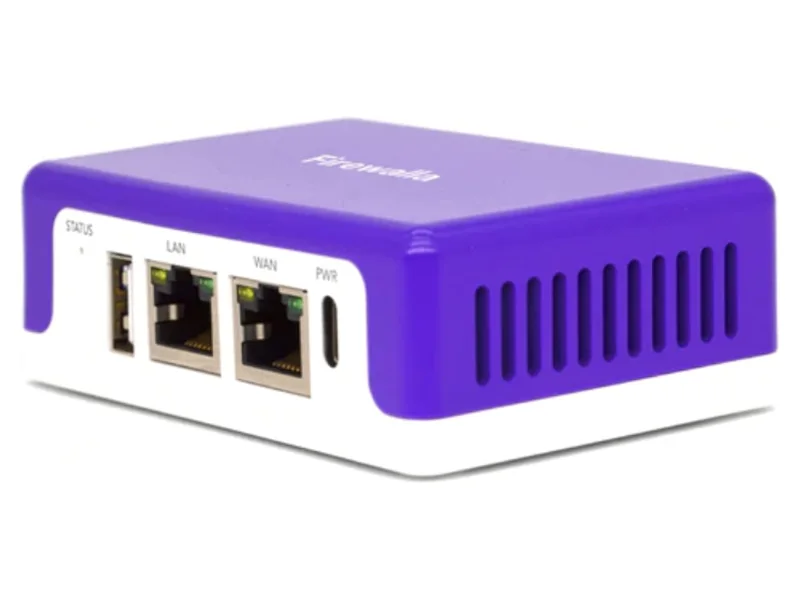
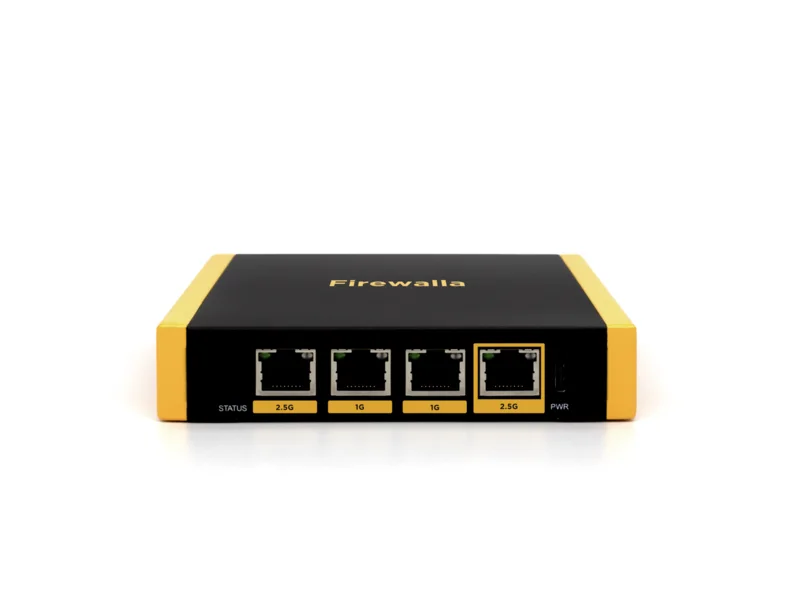
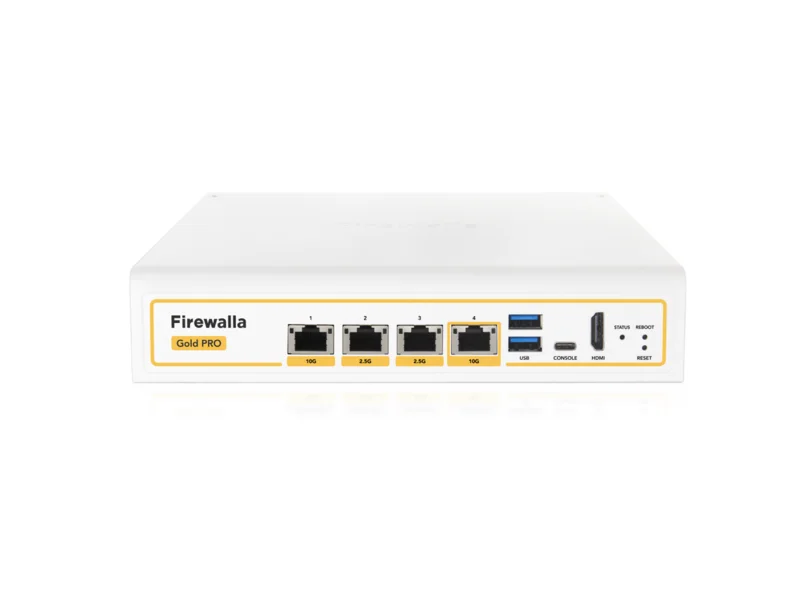
All three boxes run identical software; you’re buying throughput, not features:
| Model | Price | Right for |
|---|---|---|
| Purple SE | $289 | Plans to ~500 Mbps, first Firewalla, apartments |
| Gold SE | $519 | Gigabit families, many devices — the sweet spot |
| Gold Pro | $939 | Multi-gig internet/wiring only — see SE vs Pro |
Amortize the sweet-spot Gold SE over five subscription-free years and it’s ~$7.50 a month — half of what per-device security suites charge, covering every device in the house including the ones that can’t run software.
Bottom line
Is Firewalla worth it in 2026? For a family home full of screens, smart devices and remote work: yes, and the no-subscription math only improves with time. For a minimalist network run by a careful adult: no — put the money into password infrastructure first. The box is excellent; just make sure the problem it solves is the problem you have. If you want to see how Firewalla stacks up against Ubiquiti, GL.iNet and FortiGate, read our hardware firewall rankings.