A landscaping company with six employees loses its email account to a phished password. The attacker quietly watches the inbox for three weeks, learns which client owes a $14,000 invoice, and sends that client “updated bank details” from the real company email address. The client pays. The money is gone. Nobody hacked anything Hollywood-style — someone typed a password into a fake login page, and there was no second factor to stop what came next.
That story, with the names changed, is the most common way businesses your size lose real money. Not ransomware gangs targeting you personally, not nation-states — invoice fraud and hijacked email. The good news: a business under 10 people can defend against essentially all of it for less than the cost of one lost invoice, with no IT department and no enterprise software. Nothing here is exotic — it lines up with the FTC’s cybersecurity basics for small businesses — but we’ll be much more specific about what to actually buy.
We’re going to skip the jargon entirely. No “zero trust architectures,” no “SIEM,” no compliance-speak. Four things, in priority order.
First, what you’re actually protecting
For a tiny business, it comes down to three assets:
- Your email. Whoever controls it can reset passwords, impersonate you to clients, and redirect payments.
- Your money. Bank logins, payment processors, invoicing tools.
- Your files. Client records, contracts, the books. If they vanished tonight, could you operate tomorrow?
Every dollar and hour below defends one of those three. If a vendor pitches you something that doesn’t obviously protect one of them, you’re allowed to say no.
Priority 1: password manager and hardware keys (~$100/year plus ~$60 per key)
This comes before the firewall because the landscaping-company attack sails straight past any firewall — the employee handed over the password.
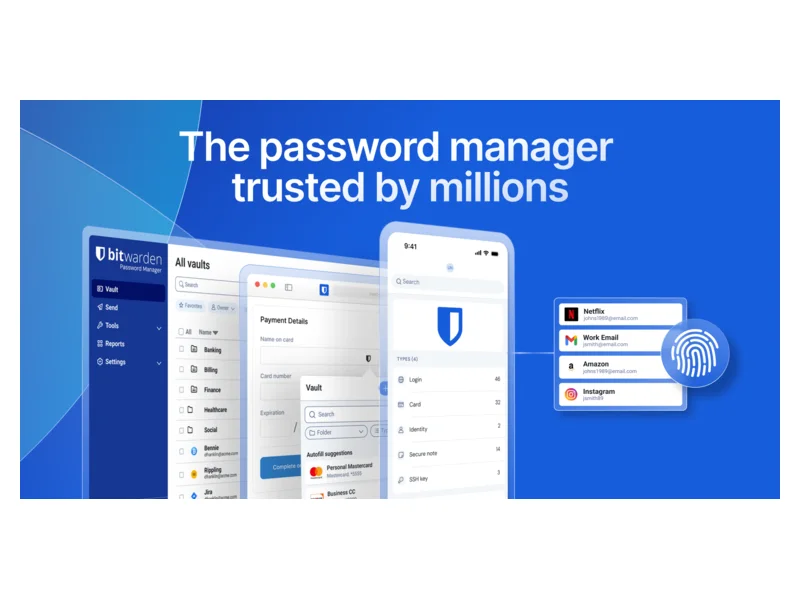
Get a business password manager. Bitwarden Premium and its team plans are our value pick — inexpensive per user and genuinely easy to run. 1Password is the smoother experience if you want the most polished apps and shared vaults your least technical employee will actually use. Either way, the rules are:
- Every work account gets a unique generated password. No exceptions, starting with email and banking.
- Shared logins (the company social media, the supplier portal) live in a shared vault — not in a text file called
passwords.docx, which turns up at far more small businesses than anyone likes to admit. - When someone leaves, you remove their access in one place and rotate the shared passwords. This is the part owners appreciate most later.
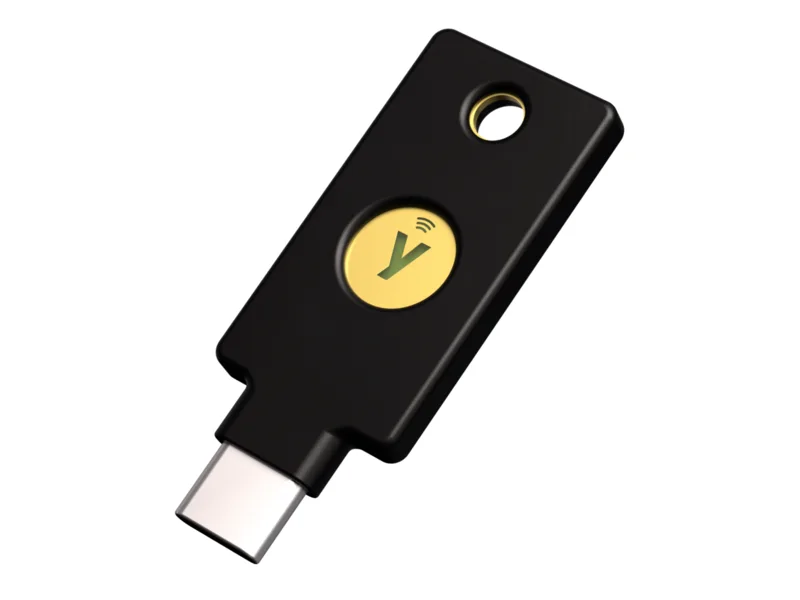
Then add hardware security keys for the owner and anyone who touches money. A YubiKey 5C NFC is a small USB key you tap to log in. Its superpower is that it’s unphishable: even if an employee is fooled by a perfect fake login page, the key refuses to authenticate to the wrong site. Buy two per person (one is the spare, kept in a drawer or safe) and enroll them on email, banking, and the password manager itself. Total cost for a typical 6-person shop: two or three people with keys, well under $400 one time.
If a full hardware-key rollout feels like too much today, at minimum turn on app-based two-factor authentication for email and banking. It’s free and it would have stopped the landscaping story cold.
Priority 2: a real firewall (one box, $200–$900)
Your internet provider’s combo modem/router was built to be cheap, not safe. A proper firewall gives you three things a tiny business actually uses: a wall between your network and the internet, visibility into what every device is doing, and a safe way for staff to connect from home (a built-in VPN).
Here are the three boxes we’d actually consider for a sub-10-person office:
| Firewalla Gold Pro | FortiGate 40F | Ubiquiti UDR7 | |
|---|---|---|---|
| Street price | ~$939 | ~$400 hardware + required annual license (several hundred/yr) | ~$279 |
| Ongoing subscription | None | Yes — security services lapse without it | None required |
| Built-in WiFi | No (pair with any router) | No (40F model) | Yes — WiFi 7 |
| Managed from | Excellent phone app | Web console (IT-professional territory) | Polished app/web (UniFi) |
| Ad/tracker & threat blocking | Yes, included | Yes, with active license | Yes, included |
| VPN for remote work | Yes, built in | Yes | Yes |
| Best for | Owner-managed office, no IT help | Businesses with an IT provider or compliance requirements | Office that also needs new WiFi |
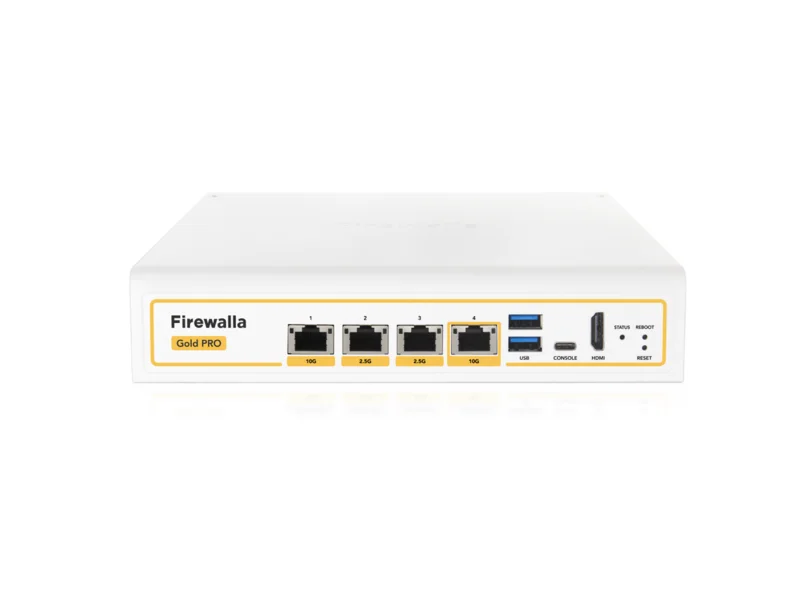
Our recommendation for most 10-and-under businesses: the Firewalla Gold Pro. It’s the only one of the three an owner can genuinely run from a phone app with no training: you see every device, block categories of risky traffic, get alerts when something new joins the network, and set up remote-work VPN access in minutes. No subscription means the price on the box is the whole price. If your internet plan is under a gigabit and the budget is tight, its smaller sibling the Firewalla Gold SE delivers the same software for a few hundred dollars less.
Choose the FortiGate 40F instead if you already pay an IT company to manage things, or a client contract / cyber-insurance policy demands “enterprise-grade” gear by name. It’s a genuinely excellent firewall — it’s what actual enterprises deploy at branch offices — but without its annual license the security features stop, and without an IT person the console will fight you.
Choose the Ubiquiti UDR7 if your office WiFi also needs replacing: it’s a firewall, WiFi 7 router, and small network hub in one box at a friendly price. The trade-off is that its security features, while good, are less thorough out of the box than Firewalla’s.
Whichever box you pick: put the office printer, cameras, and smart gadgets on a separate network from the computers (all three make this easy), and turn on automatic updates.
Priority 3: backups that survive ransomware (~$150/year)
Ransomware against small businesses is really an attack on your backups — if you have good ones, the extortion has no leverage; you wipe, restore, and lose an afternoon instead of the company.
The standard worth remembering is 3-2-1: three copies of your data, on two different types of storage, one of them off-site. In practice, for a tiny business:
- The working copy — the files on your computers or cloud drive (Google Workspace, Microsoft 365).
- A local backup — an external drive or small network drive in the office, backing up automatically every night.
- An off-site backup — a cloud backup service (roughly $70–$100 per computer per year) that keeps versioned copies, meaning you can restore the files as they were last Tuesday, before the encryption hit.
Two traps to avoid: first, sync is not backup — if ransomware encrypts your files, your cloud drive faithfully syncs the encrypted versions everywhere. Versioned backup fixes this. Second, an untested backup is a hope, not a plan. Put a recurring 15-minute event in the calendar each quarter: pick one random file and actually restore it.
Priority 4: phishing training in 30 minutes (free)
You don’t need a training platform for a team you can fit around one table. Order lunch, project your inbox, and cover four things:
- Show three real phishing emails (your spam folder will provide). Point at the tells together: mismatched sender address, urgency, a login link, an unexpected attachment.
- Set the one rule that stops invoice fraud: any request to change payment details, buy gift cards, or make an urgent transfer gets verified by voice — a phone call to a number you already have, never one from the email. Even (especially) if the request appears to come from the boss.
- Make reporting safe. A phrase worth repeating to every team: “Clicking a bad link and telling us costs the company nothing. Clicking and staying quiet is how we lose real money.” The person who reports fast is the hero of the story.
- Show them the password manager and keys you set up in Priority 1, so they know the tools exist.
Repeat the lunch twice a year. That cadence beats a once-a-year click-through course, because it’s specific to your business and nobody is speed-clicking a quiz.
What you can safely skip
You do not need: a SOC, a SIEM, penetration testing, “dark web monitoring” retainers, or an AI-powered anything sold via cold call. If you handle regulated data (medical, legal, defense) or a big client’s contract imposes requirements, that’s the point to hire professional help — for everyone else, the four priorities above cover the attacks that actually hit businesses your size, and CISA’s free cyber guidance for small businesses is a solid second opinion if you want one. A decent antivirus like Bitdefender Total Security on each computer is a sensible cheap addition; more firewall options live in our firewall reviews.
The bottom line
Do the four priorities in order: password manager with hardware keys for anyone who touches money, one real firewall, versioned off-site backups, and a twice-yearly phishing lunch. Total cost for a six-person business: roughly $1,000–$1,500 in year one, a few hundred a year after. If you only take one product recommendation from this page, make it the Firewalla Gold Pro — it’s the one firewall a busy owner will actually manage, and the one purchase here with no subscription attached.